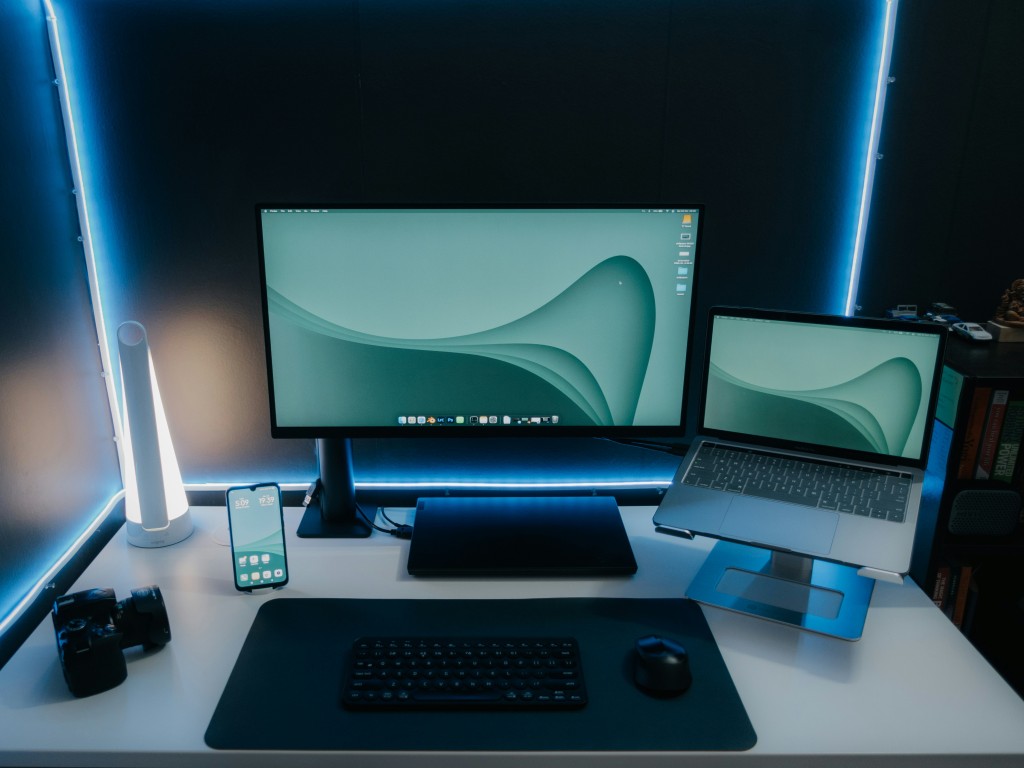
Whether you use your laptop for business, school, or personal projects, one thing is clear — it's a major investment. But are you doing enough to protect it?
At Anjanatech Solutions Ltd, we often see laptops that could have lasted years longer if just a few simple habits were followed. The good news? It's never too late to start. Let’s dive into the practical steps you can take to make your laptop last longer — and perform better.
1. Keep It Clean — Inside and Out
Dust is your laptop's silent enemy. It clogs ventilation systems, causes overheating, and can even damage internal components. Wipe down your keyboard and screen regularly with a soft microfiber cloth.
Every few months, consider professional internal cleaning — especially if you notice your fan running loudly or the laptop heating up more than usual.
💡 Pro Tip: Use compressed air to gently blow out dust from the vents.
2. Avoid Constant Charging
Laptop batteries degrade faster when they are always plugged in. Letting your battery run down to around 20-30% before charging helps maintain its long-term health. Modern laptops often have smart charging systems, but manual control is still key.
⚠️ Avoid full discharge (0%) regularly — it’s harmful too!
3. Watch for Overheating
Heat is a major cause of laptop failure. Using your device on soft surfaces like a bed or couch blocks air flow. Always use your laptop on a flat, hard surface or invest in a cooling pad.
🔥 If your laptop gets too hot, it can throttle performance or permanently damage the motherboard.
4. Update Software & Run Regular Scans
Outdated software can cause performance issues and security risks. Keep your operating system, drivers, and antivirus updated. Also, run malware and junk file scans monthly to keep your system clean.
🛡️ Cyber threats don’t just affect big companies — personal and small business laptops are prime targets too.
5. Handle with Care (Seriously)
It might sound obvious, but how often have you seen someone carrying a laptop loosely under their arm or tossing it into a bag without protection?
Always use a padded laptop sleeve or bag, especially during travel. Keep liquids and food far away — one spill can destroy your device.
💧 A water-damaged laptop is one of the most expensive repairs — and often not recoverable.
6. Schedule Routine Maintenance
Just like your car, your laptop benefits from check-ups. Having your device inspected once or twice a year can catch issues before they become major problems — like failing hard drives or degraded RAM.
At Anjanatech Solutions, we offer professional maintenance services to keep your devices in top shape.
Final Thoughts
Taking care of your laptop doesn’t have to be complicated — it’s about forming small, smart habits.
A clean, cool, and properly charged laptop will serve you better, run faster, and save you the cost of early replacements or repairs.
Need expert help?
Anjanatech Solutions Ltd is your trusted ICT partner in Kenya.
We offer laptop repairs, maintenance, upgrades, and more, with service you can count on.
📍 Visit our shop or check out our full list of services at:
👉 shop.anjanatech.co.ke
#Anjanatech #LaptopCare #TechTipsKE #DeviceProtection #ICTSolutions #SmartTechKenya




No Comments yet. Be the First to Leave a Comment